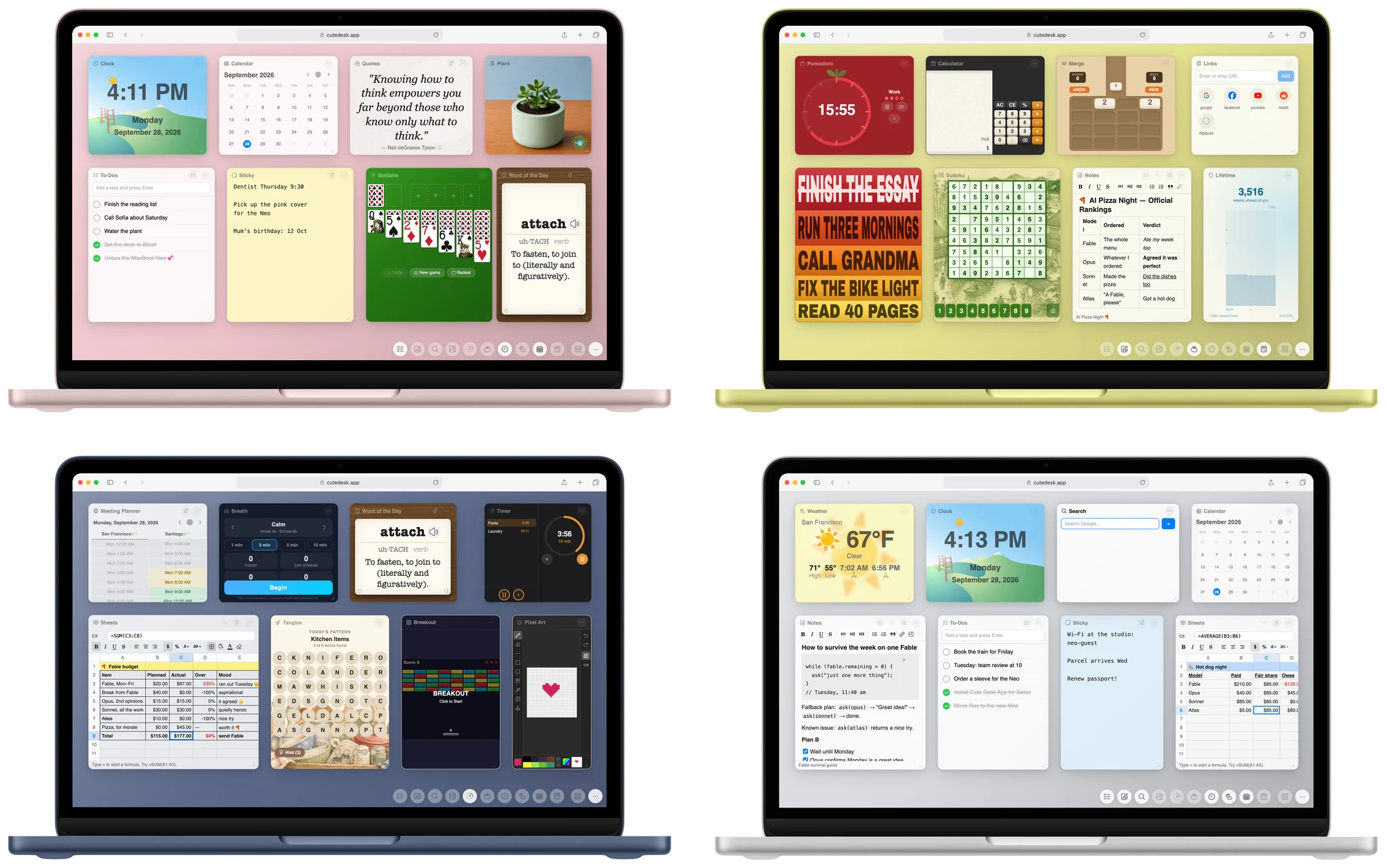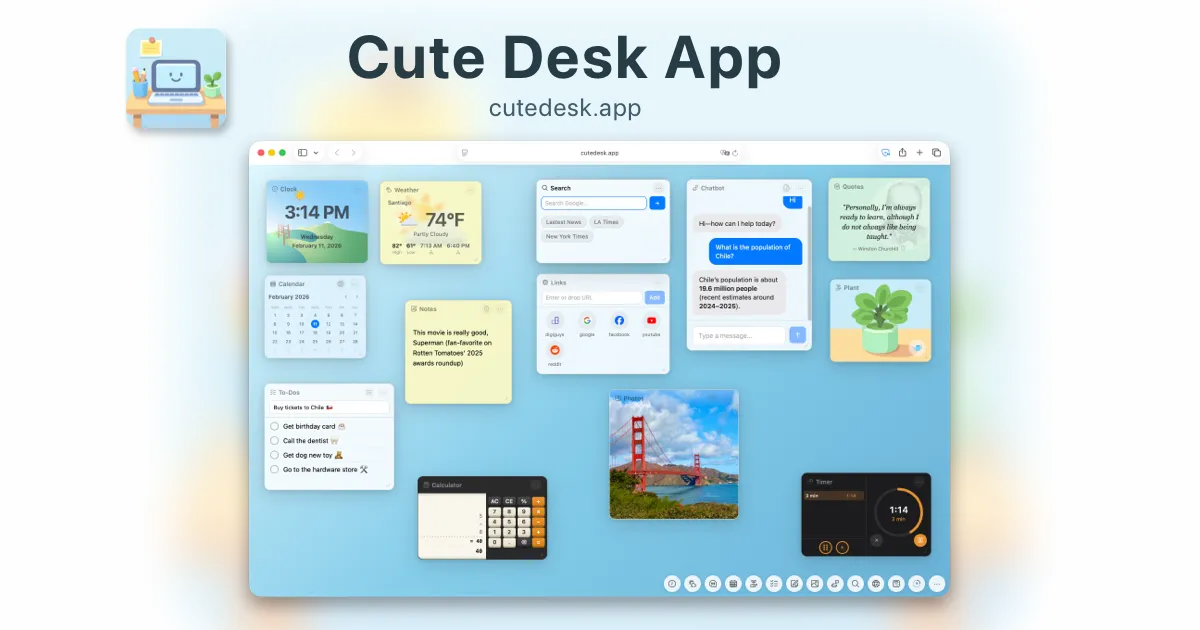
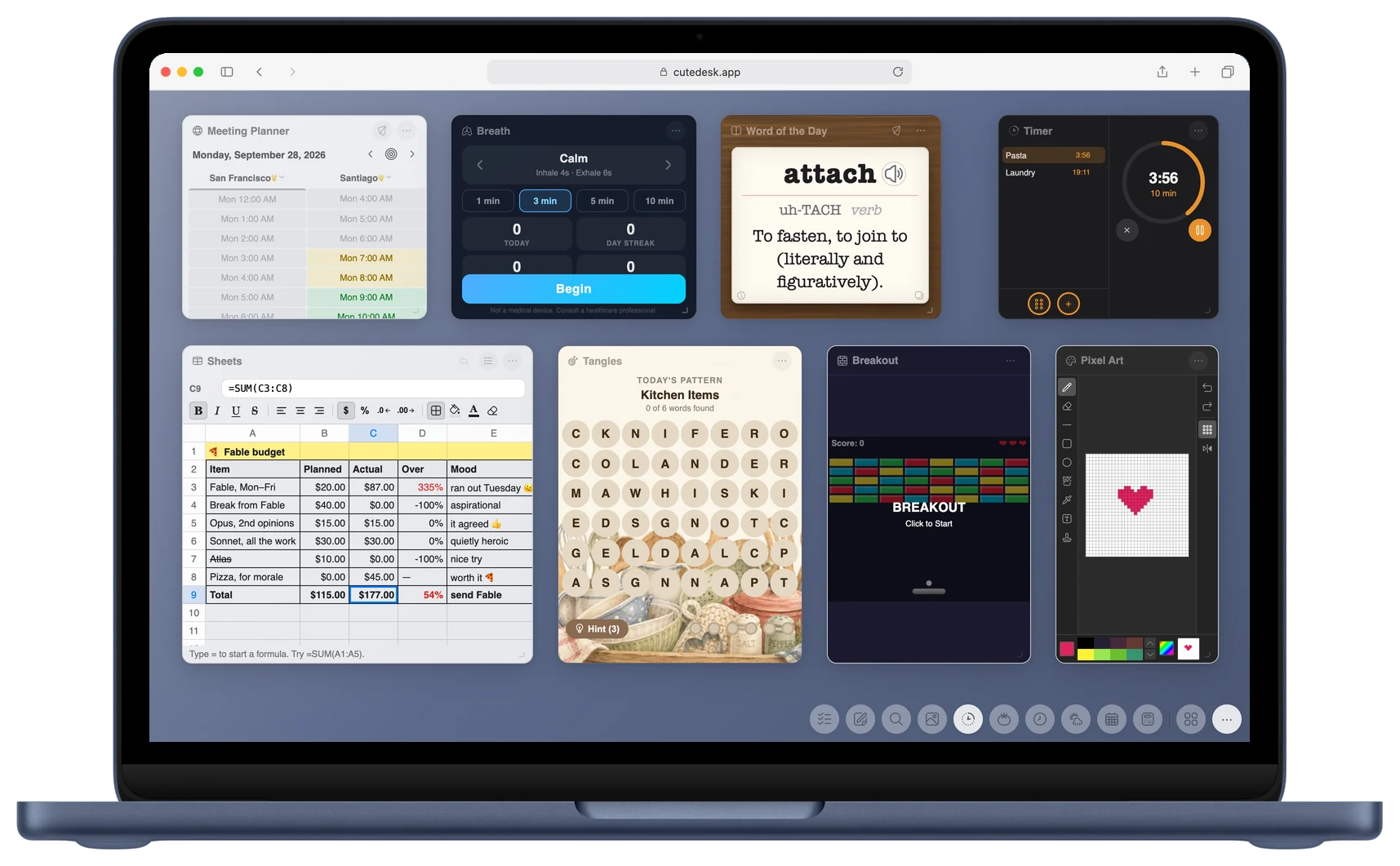
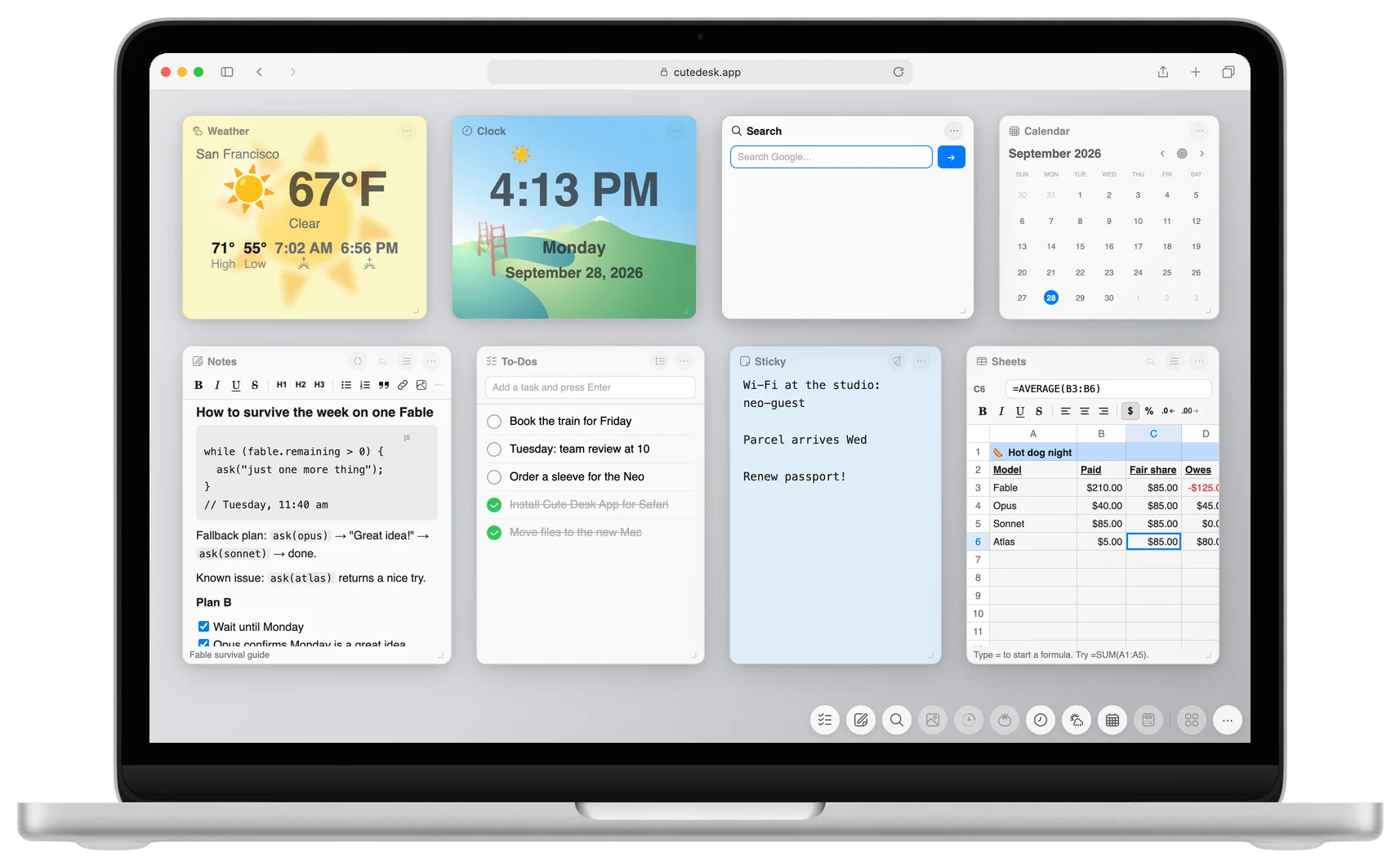
- A browser start page should be a desk, not a photo. In 2026 the good ones give you real tools: a spreadsheet, notes, a to-do list, a calendar, timers, and the weather, all on the page you see most.
- Cute Desk App has 33 widgets and all of them are free. No account, no ads, no premium tier. Your data stays in your browser.
- It works in Chrome and in Safari. The Chrome extension and the Safari extension open it in every new browser tab. Microsoft Edge can use the Chrome extension.
- Momentum, Start.me and Tabliss are each good at one thing. None of them gives you a spreadsheet, a word processor and a book reader on a new browser tab.
Free. Everything stays on your computer. No account needed.
 Get the Chrome Extension
 Get the Safari Extension
Cute Desk App has 33 widgets, a Chrome extension and a Safari extension, and it has become something I use all day: a small desk inside the browser where I do real work. It is free, it needs no account, and everything stays on your computer.
In this post I go through what a browser start page should do in 2026, what is on the Cute Desk App desk today, how it compares to the other options, and how to put it on every new browser tab in Chrome or Safari in about a minute.
Why the browser start page is worth fixing
Your new browser tab is the page you open more than any other. Dozens of times a day you press the plus button or Cmd-T, and what you get is a search box and some thumbnails of sites you already know. That page has your attention for a second, every time, and it gives you nothing back.
A good browser start page turns that second into something useful. The weather is already there. Your to-do list is already there. The note you were writing is still open. The timer you started is still counting. You do not go and look for these things, they are simply on the page when it opens, the way things sit on a desk.
What a browser start page needs in 2026
A nice background and a clock are a good start. This is what I look for in a browser start page today:
- Real tools, not decorations. A to-do list and a clock are the minimum. A page that can also hold a spreadsheet, a document, a book and a calendar replaces real tabs, not just the empty one.
- Private by design. The browser start page sees the first thing you do every morning. It should keep your data on your computer and never ask for an account.
- Free, with nothing held back. A page that shows you the good widgets and then asks for a subscription is a sales page, not a browser start page.
- Chrome and Safari. Most people use one of the two, and many use both: Chrome at work, Safari on the Mac at home. The browser start page should be the same in both.
- On every new browser tab, automatically. Typing an address or clicking a bookmark every time is not a browser start page. A browser extension should do that part for you.
- Fast and offline. If the page needs a server to draw itself, it is slow on a bad connection and dead on a plane.
Cute Desk App: the 33 widgets
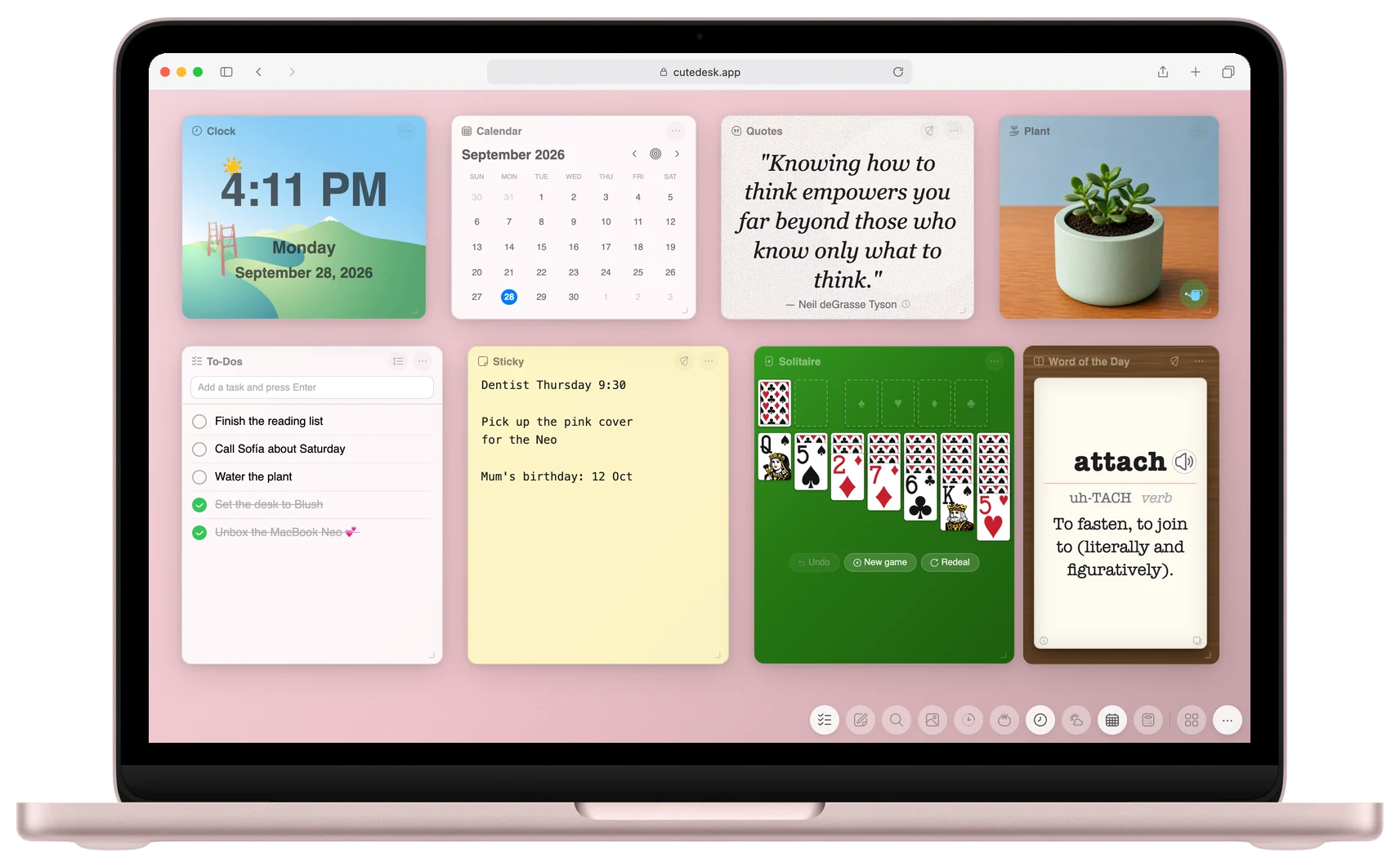
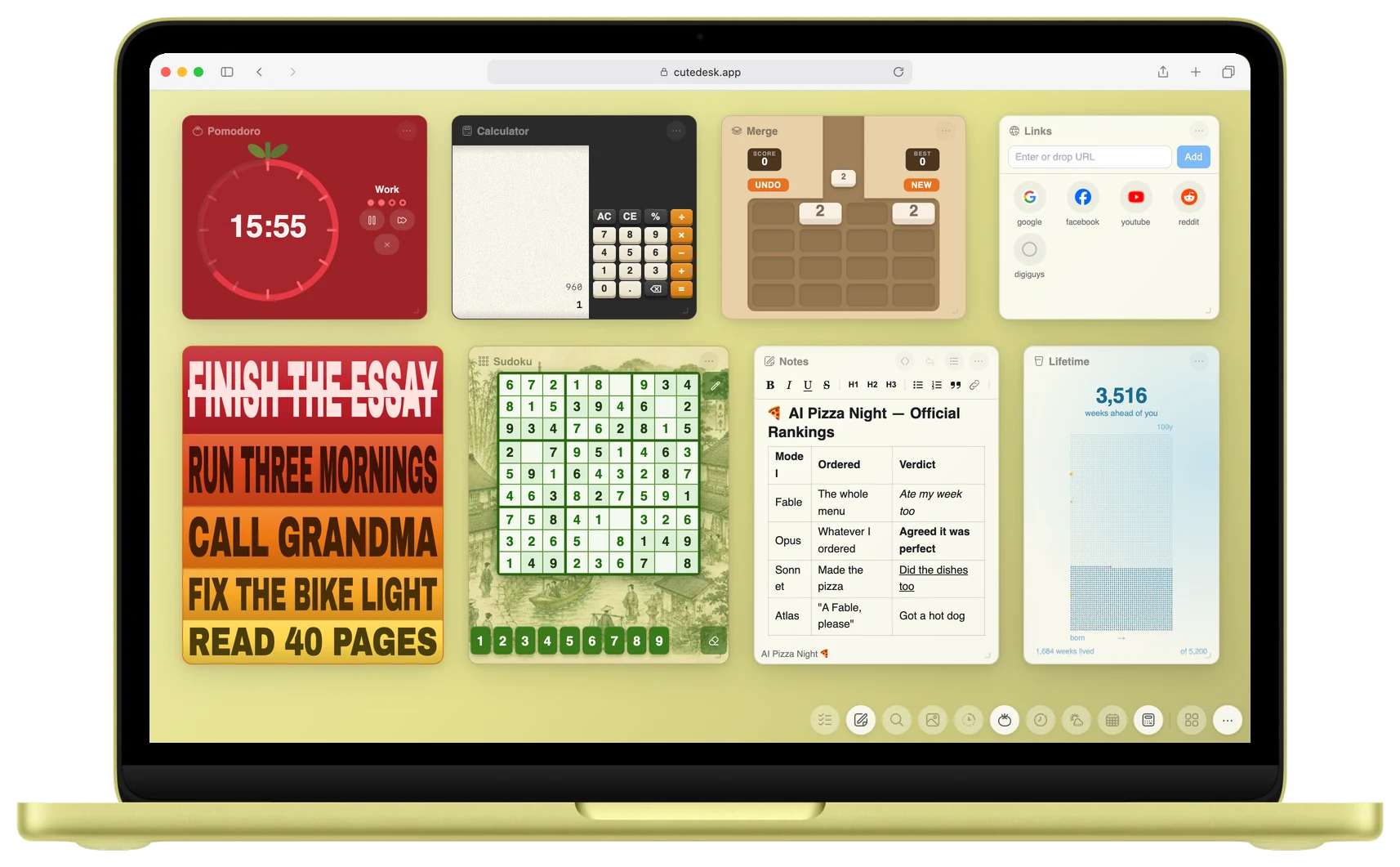
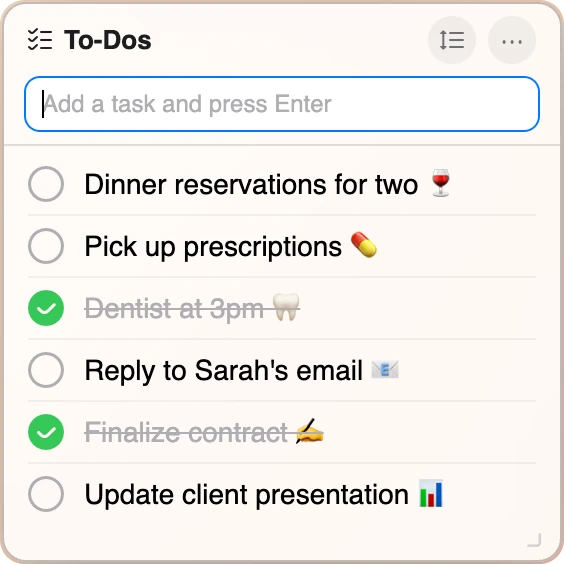
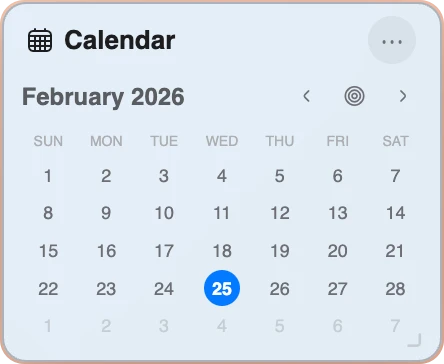
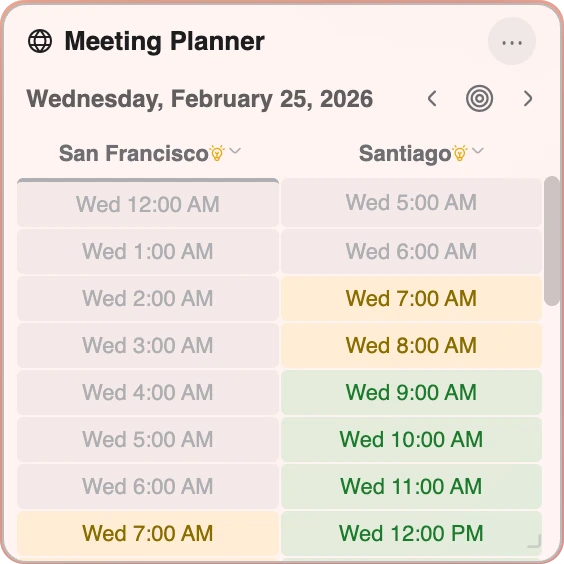
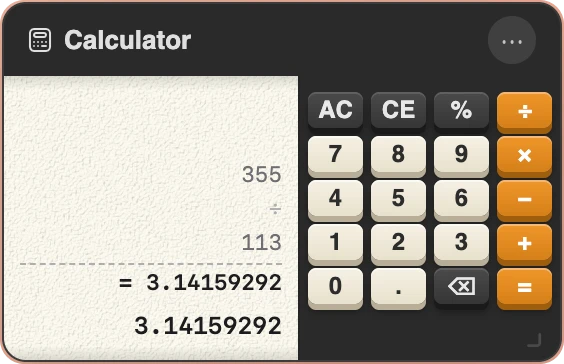
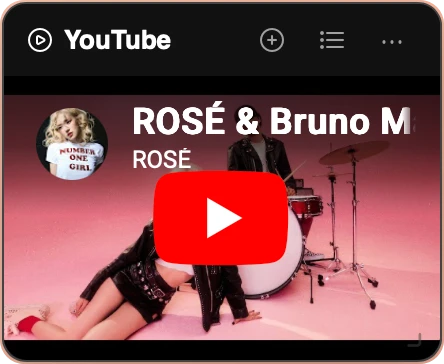
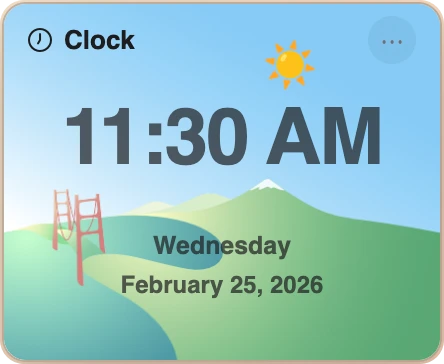
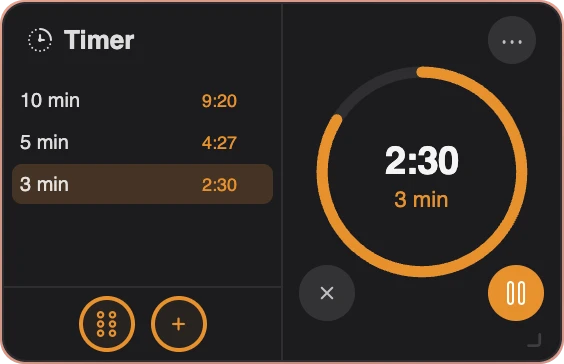
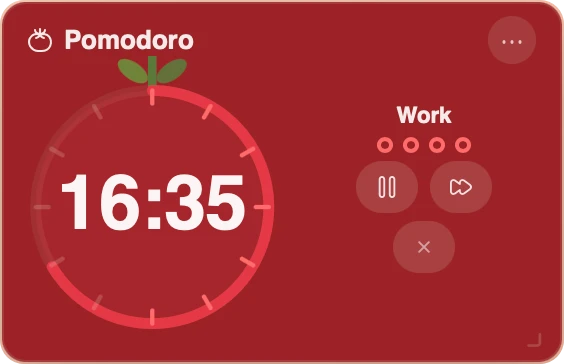
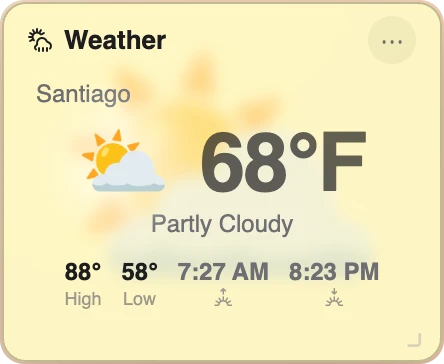
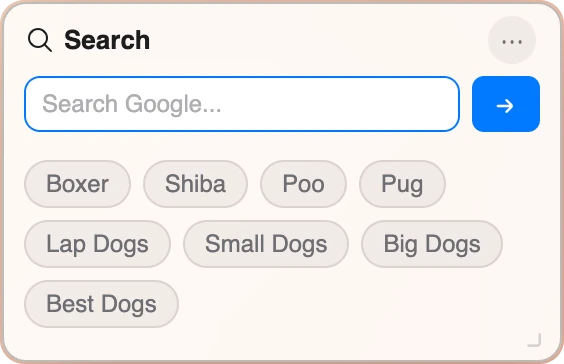
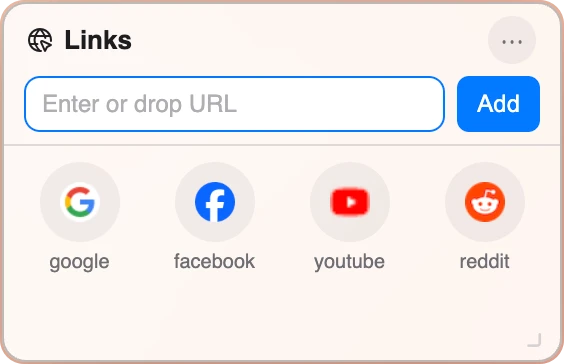
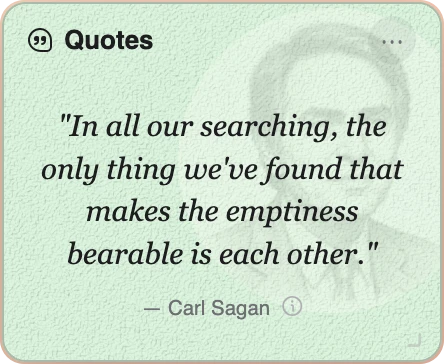
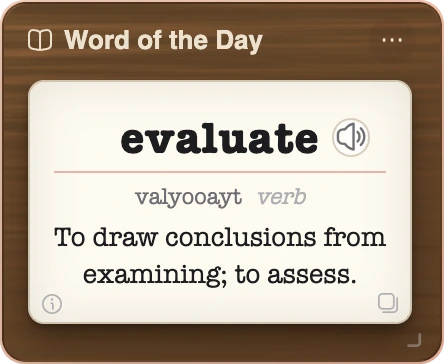
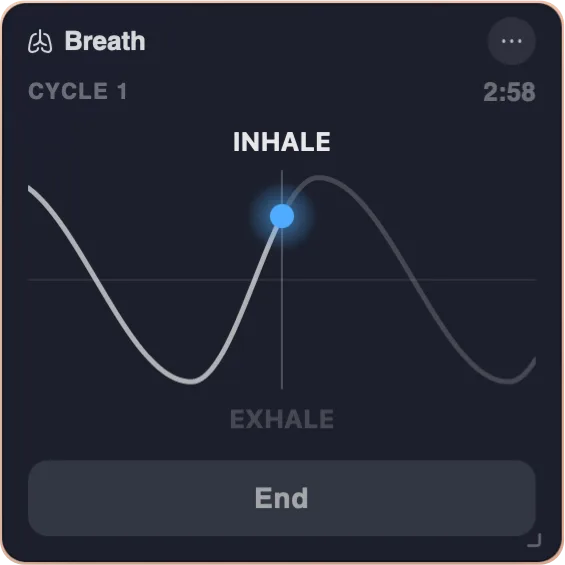
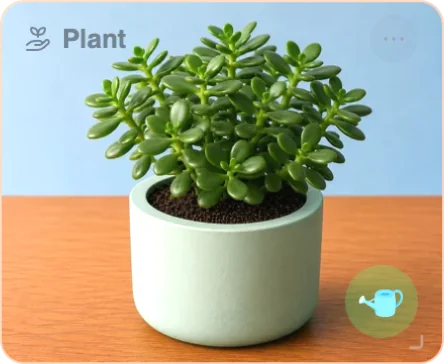
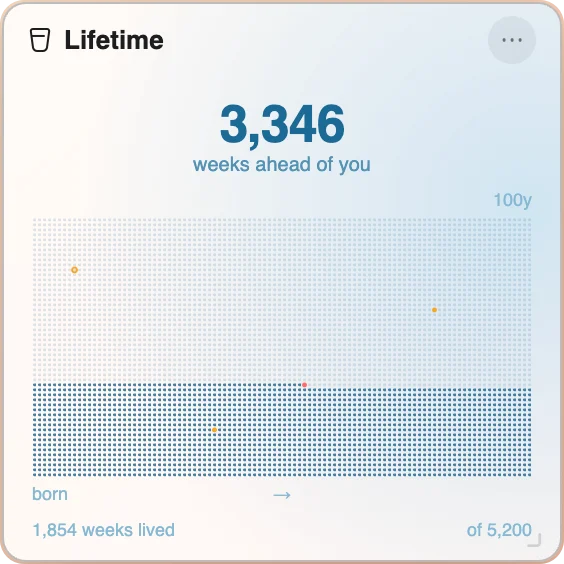
Cute Desk App is a browser start page that looks like a desk. Each widget is a small window you can drag, resize and recolor, and the desk remembers where you left everything. Here is what is on it today. Every name links to the widget's own page with more pictures.
For work
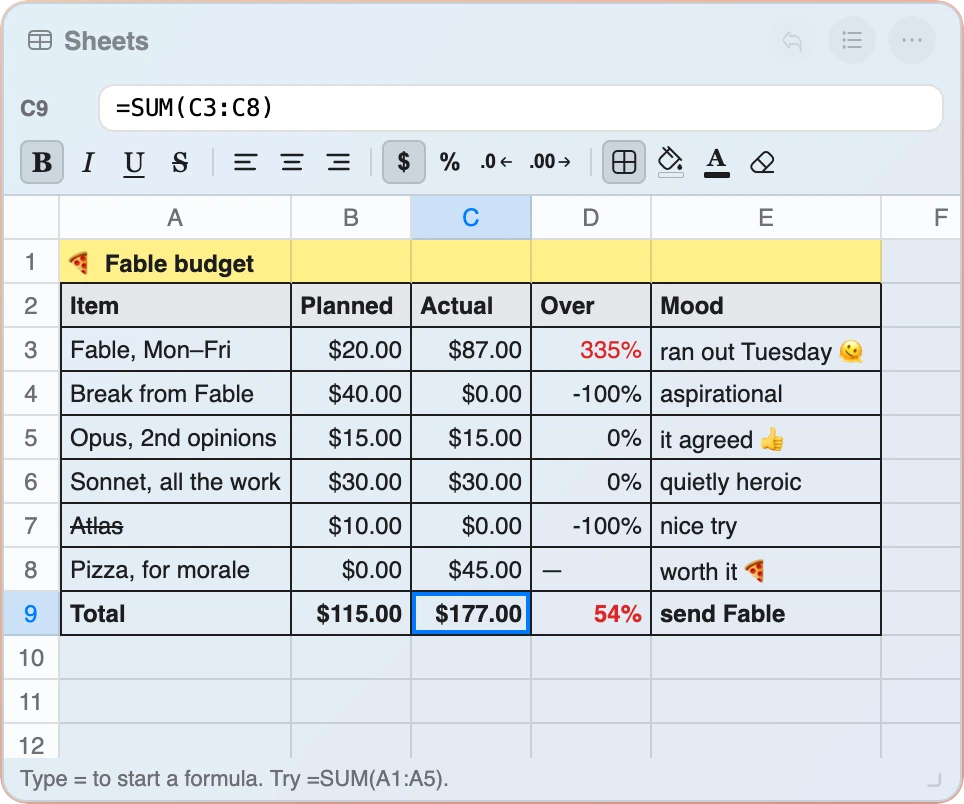
Sheets widget
A small spreadsheet with real formulas, sorting, multiple sheets and CSV import and export. Up to 1,000 rows.
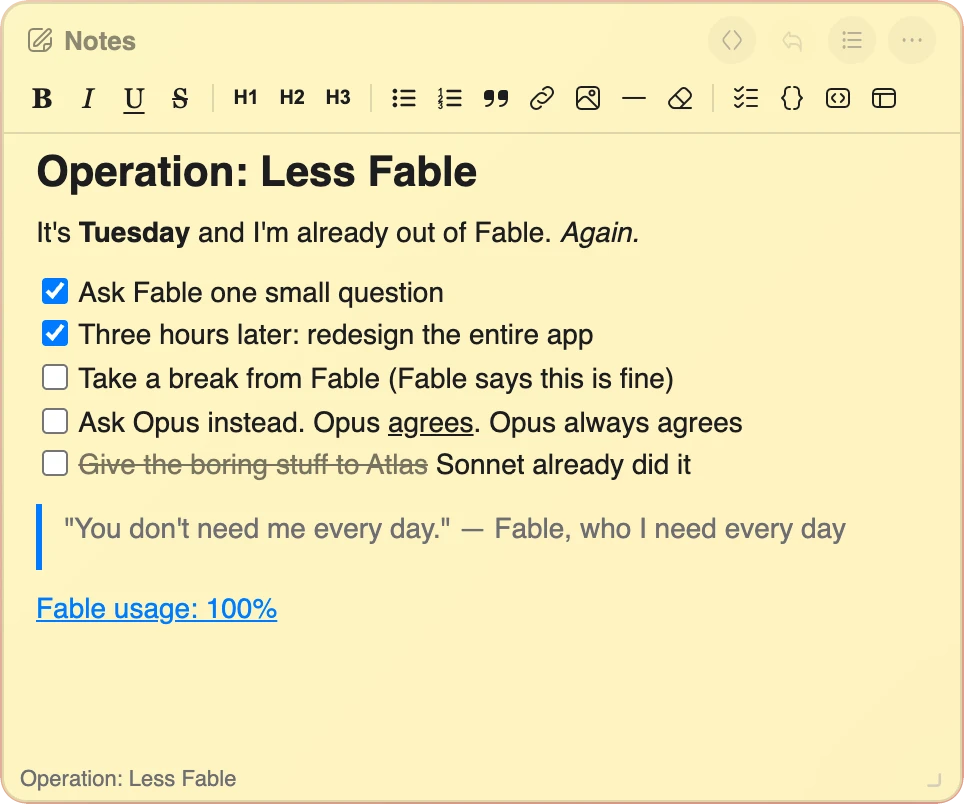
Notes widget
A word processor with a formatting toolbar, Markdown underneath, up to eight documents.
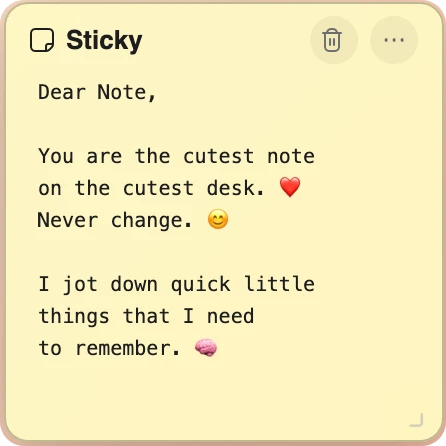
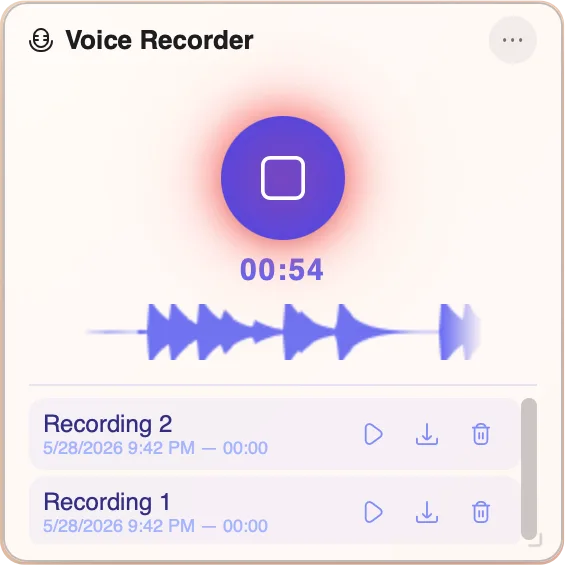
Creative and media
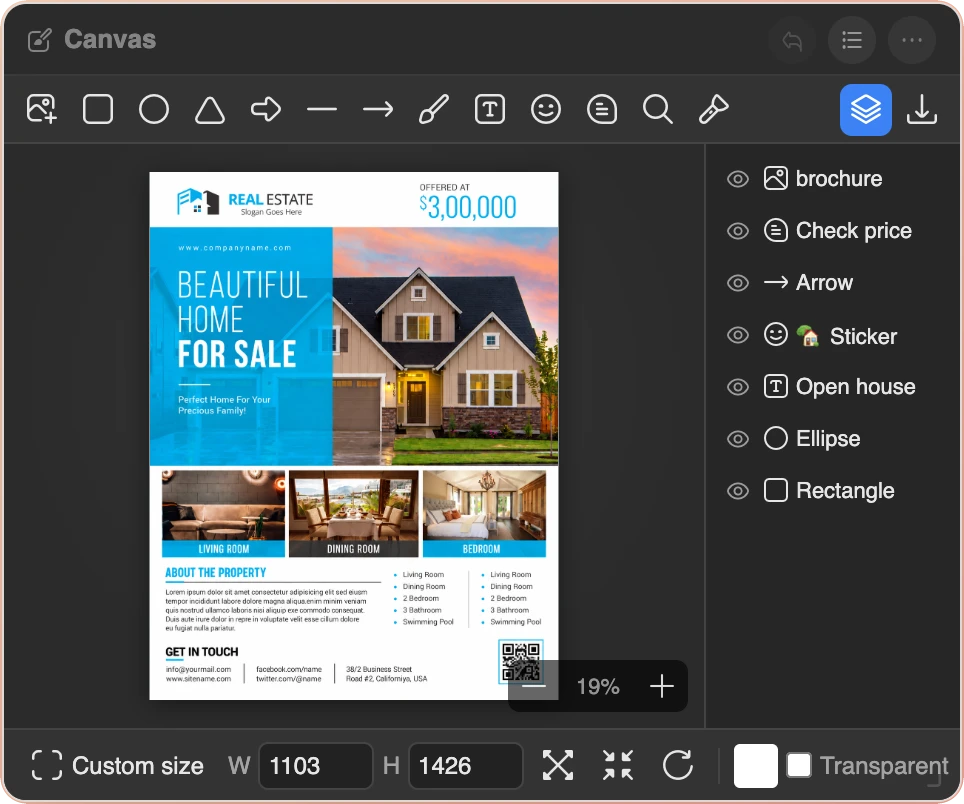
Canvas widget
A small design studio. Photos, text and shapes as layers, filters, crop, and export as PNG, JPEG or WebP.

Books widget
A Kindle-style reader for your own DRM-free EPUB books, with a dyslexia-friendly font, read aloud and a reading log.

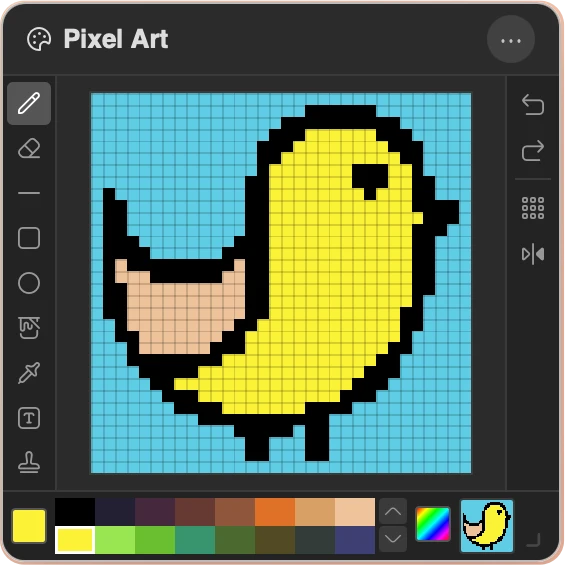

Time management
For everyday


Wellbeing

Games
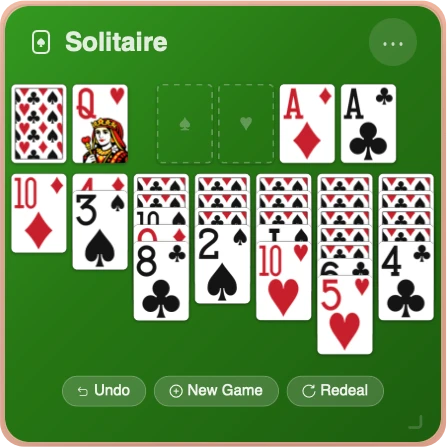

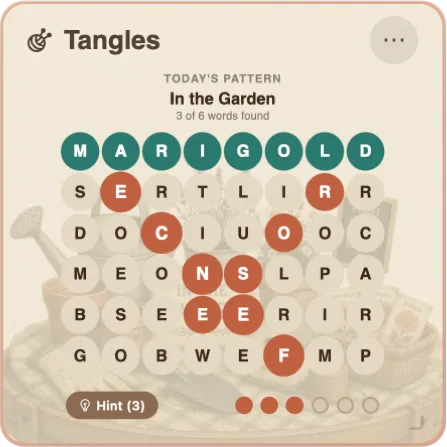

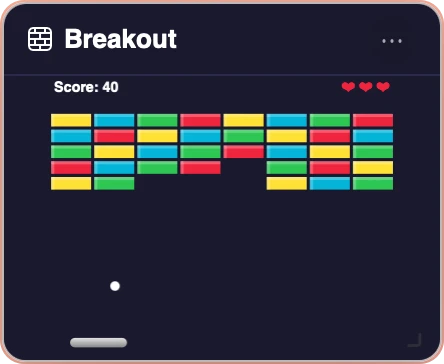
You do not have to use all of them. Keep the ones you like on the desk and leave the rest in the widget hub. A dock at the bottom holds the ten you open most. There is a full features page with a picture of every widget.
Chrome and Safari: the extensions
Cute Desk App works as a web page in any browser, and two free extensions make it open by itself every time you open a new browser tab.
Free. Everything stays on your computer. No account needed.
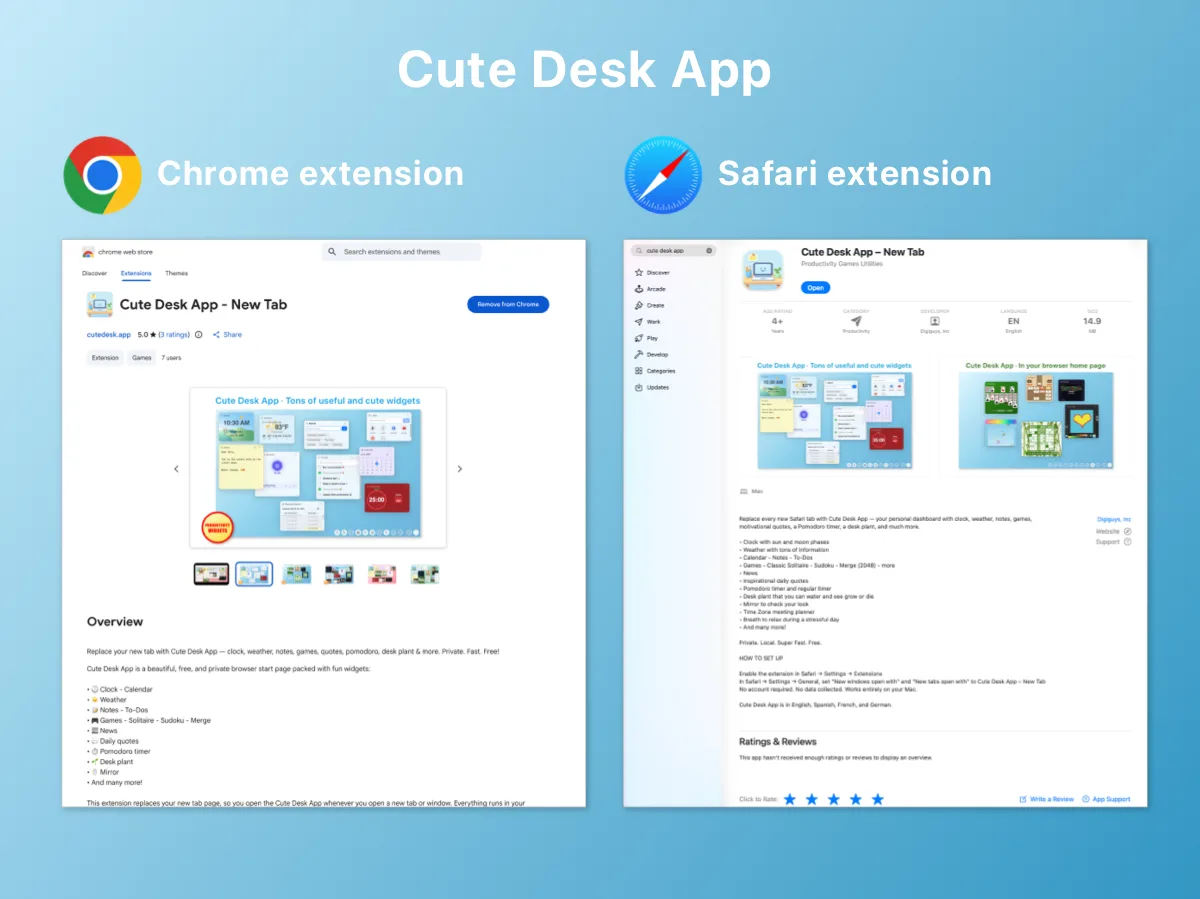
- Chrome. The Chrome extension on the Chrome Web Store replaces the new browser tab. Install it, open a new browser tab, and your desk is there. It works on Mac, Windows and Linux.
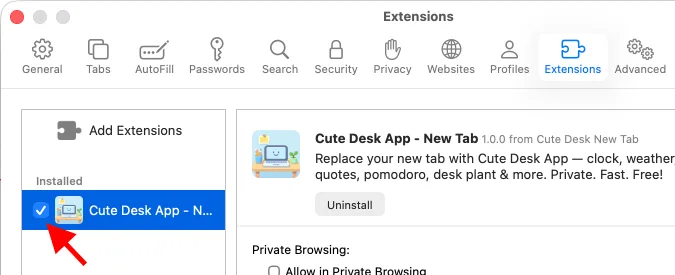
- Safari. The Safari extension is on the Apple App Store. It is a small Mac app that adds the extension to Safari, and after that every new Safari tab opens Cute Desk App. After installing, you switch it on once in Safari Settings, under Extensions. The How to Use page shows where.
- Microsoft Edge. Edge installs extensions from the Chrome Web Store, so the Chrome extension works there too.
- Firefox and everything else. Open cutedesk.app and set it as your homepage. The page is the same. Only the automatic new browser tab is missing.
The extensions are small on purpose. They do one thing, which is to open cutedesk.app in the new browser tab. The app itself is still a web page that runs entirely in your browser, and your desk looks the same whether you open it from the extension or by typing the address. I wrote more about how that works when the extensions came out.
Private, free, and nothing to sign up for
There is no account. You open the page and start using it. Your notes, spreadsheets, tasks, books, photos and settings are stored in your browser on your computer, and they never leave it. There is no server with your data on it, because there is no server.
The few widgets that need the internet fetch only what they show: the Weather widget asks a weather service for the forecast, the News widget loads headlines, the YouTube widget plays videos, and the Chat widget sends your question to an AI model to get the answer. Nothing else goes anywhere. Opening a new browser tab with Cute Desk App on it is as private as opening a blank one.
Everything is also free, and there is no premium version. The 33 widgets are the whole app. If you like it, you can donate, and that is the only money involved.
How it compares in 2026
These are the browser start page apps people most often ask me about, and what each one is good at.
| App | What it is | Where it falls short |
|---|---|---|
| Cute Desk App | A desk of 33 widgets, including a spreadsheet, a word processor, a design studio and a book reader. Chrome and Safari extensions. Free, no account, data in your browser. | No cloud sync between computers, by design: your data stays where you put it. No mobile app, because it is a browser start page. |
| Momentum | A full-screen photo, a greeting, a quote and one focus for the day. Calm and good looking. | The useful parts, like extra widgets, integrations and custom backgrounds, are in the paid plan. |
| Start.me | A dashboard of bookmarks, RSS feeds and widgets in columns. Good for people who follow many sources. | Needs an account, stores your data on its servers, and the free plan limits how many pages you can make. |
| Tabliss | A minimal open source new browser tab: a beautiful background, a clock, a greeting and a few links. | Deliberately simple. No notes, no tasks, no calendar, no spreadsheet. |
| The built-in new browser tab | A search box and thumbnails of your most visited sites. Zero setup. | It shows you what you already know and holds nothing of yours. |
Momentum is still the one to pick if what you want is a photo and one sentence of intention. Tabliss is the one for people who want almost nothing on the page. Start.me is for feed readers. If you want the new browser tab to be a place where you actually do things, that is exactly what I built Cute Desk App for. I am its maker, so the widget pages have pictures of everything and you can judge for yourself.
Set it up in a minute
- Install the extension for your browser. The Chrome extension from the Chrome Web Store, or the Safari extension from the Apple App Store. In Safari you then switch the extension on in Settings, shown on the How to Use page.
- Open a new browser tab. The desk appears with a few widgets already on it.
- Make it yours. Open the widget hub from the dock, pick the widgets you want, drag them where you like, and choose a desk color from the menu in the bottom right corner. The desk is saved as you go.
If you want to try it before installing anything, open cutedesk.app in this tab. It is the same page.
The verdict
In 2026 the best browser start page for Chrome and Safari is the one that gives you real tools, keeps your data on your computer, costs nothing and shows up on its own in every new browser tab. Cute Desk App does all four, and I use it every day on both browsers. With 33 widgets on one desk, there is something on it for every part of your day.
Free. Everything stays on your computer. No account needed.
If something is missing from your desk, tell me through the Help page. Many of the widgets started as a message from someone who wanted one.
 Aldo
Aldo
Chrome and the Chrome Web Store are trademarks of Google LLC. Safari and the Apple App Store are trademarks of Apple Inc. Momentum, Start.me and Tabliss belong to their makers. Cute Desk App is made by me and is not affiliated with any of them.