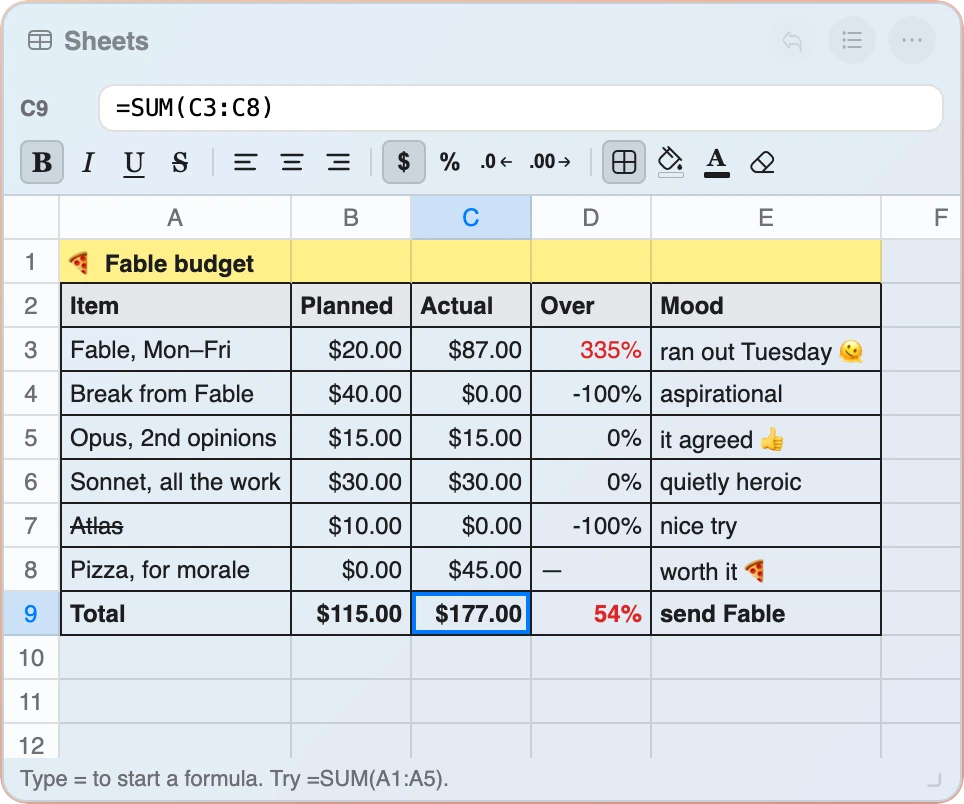
- A–Z columns, up to 1,000 rows, with columns that auto-fit their widest value
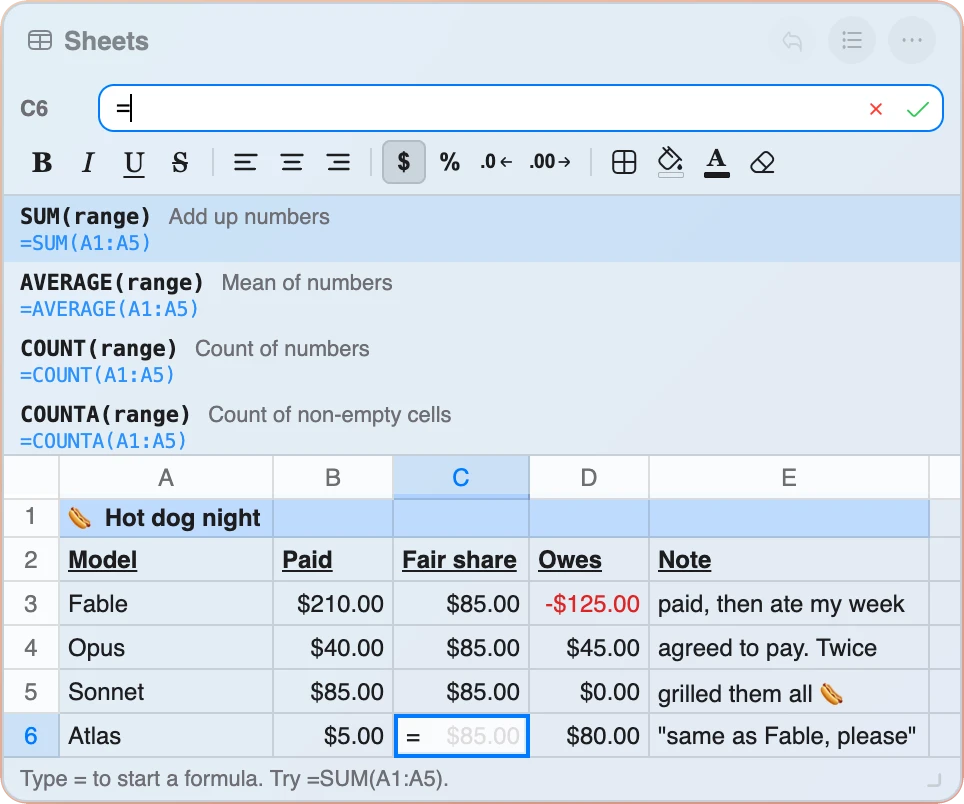
- A real formula bar with a live function picker and result preview as you type
= - AutoSum (Alt+=) and a suggested range the moment you type
=SUM( - 13 spreadsheet functions, plus relative and absolute references like
$A$1 - Excel-style keyboard shortcuts — Tab, Enter, arrows, F2, Ctrl+Z/Y, Ctrl+B/I, and more
- Copy, cut, and paste that shifts formula references automatically, just like Excel
- Import and export CSV files, round-tripping cleanly with Excel, Numbers, or Sheets
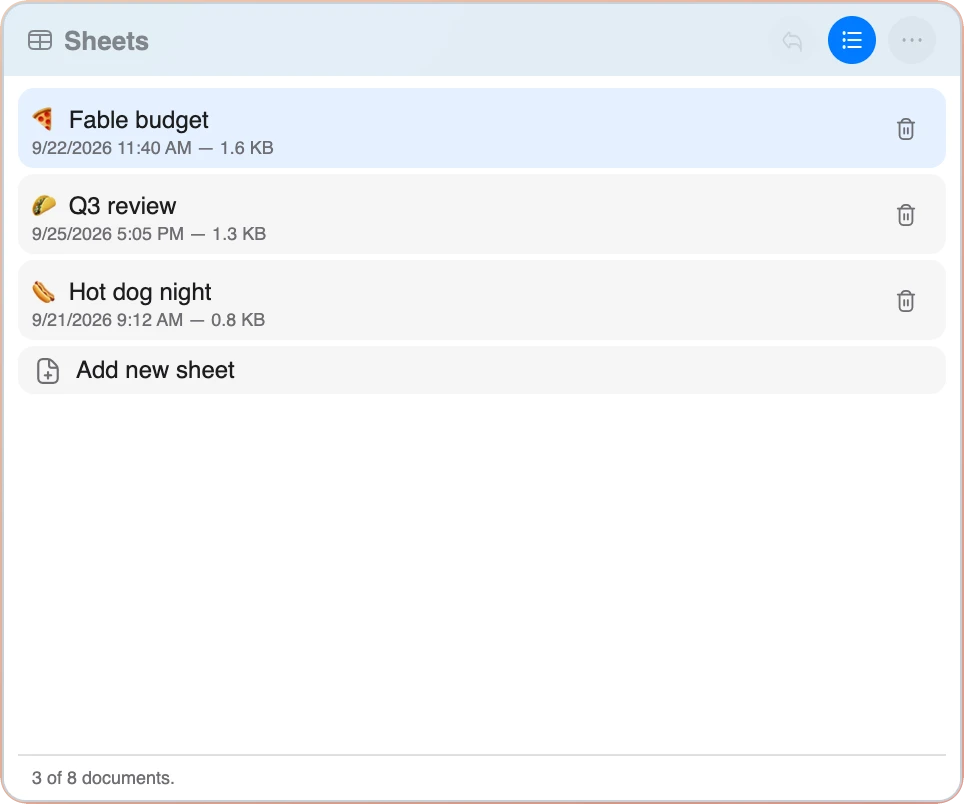
- Up to 8 sheets in one widget, listed in the sheet view where you name, open, add and delete them
- 50-step undo/redo and three font sizes (S/M/L)
- Auto-saves every change instantly — nothing to save, nothing to lose
- Everything stays on your device — no account, no cloud, nothing uploaded
Formulas & Functions
A real formula engine, not just a calculator with cells.
Math & Stats
SUM, AVERAGE, MIN, MAX, COUNT, COUNTA, MEDIAN, PRODUCT, ROUND, INT, MOD, SQRT, and ABS — everything you'd reach for first, working over single cells or a full A1:B5 range. SUMIF and COUNTIF add up or count only the cells that match, with >10-style criteria and * wildcards.
Logic
IF, AND, OR, and NOT branch on a condition and return whatever text or number you tell them to — =IF(B5>10,"Yep","Nope") works exactly like it does anywhere else.
Text
LEN measures a string, UPPER, LOWER, and TRIM tidy it, and CONCAT (or CONCATENATE) joins text together — mix bare cell references with quoted literals in the same formula.
References & Ranges
Relative (A1) and absolute ($A$1, A$1, $A1) references, plus ranges like A1:B5 — anchor a reference with $ and it won't shift when you copy the formula elsewhere.
Keyboard-First Editing
Tab and Enter commit and move; F2 or a double-click starts editing; Ctrl/Cmd+Z and +Y undo and redo; Ctrl/Cmd+D and +R fill down and right; Ctrl/Cmd+B and +I bold and italicize — the same muscle memory a real spreadsheet trained into you.
Clipboard & CSV
Copy and paste shift relative references the way Excel does; Export CSV and Import CSV round-trip cleanly with any spreadsheet app, including files this widget exported itself.