- The MacBook Neo comes in four colors: Blush, Citrus, Indigo and Silver. Cute Desk App can match every one of them, because the desk can be any color you like.
- The four color codes are below. Typing one into Cute Desk App takes about ten seconds, and I show you where.
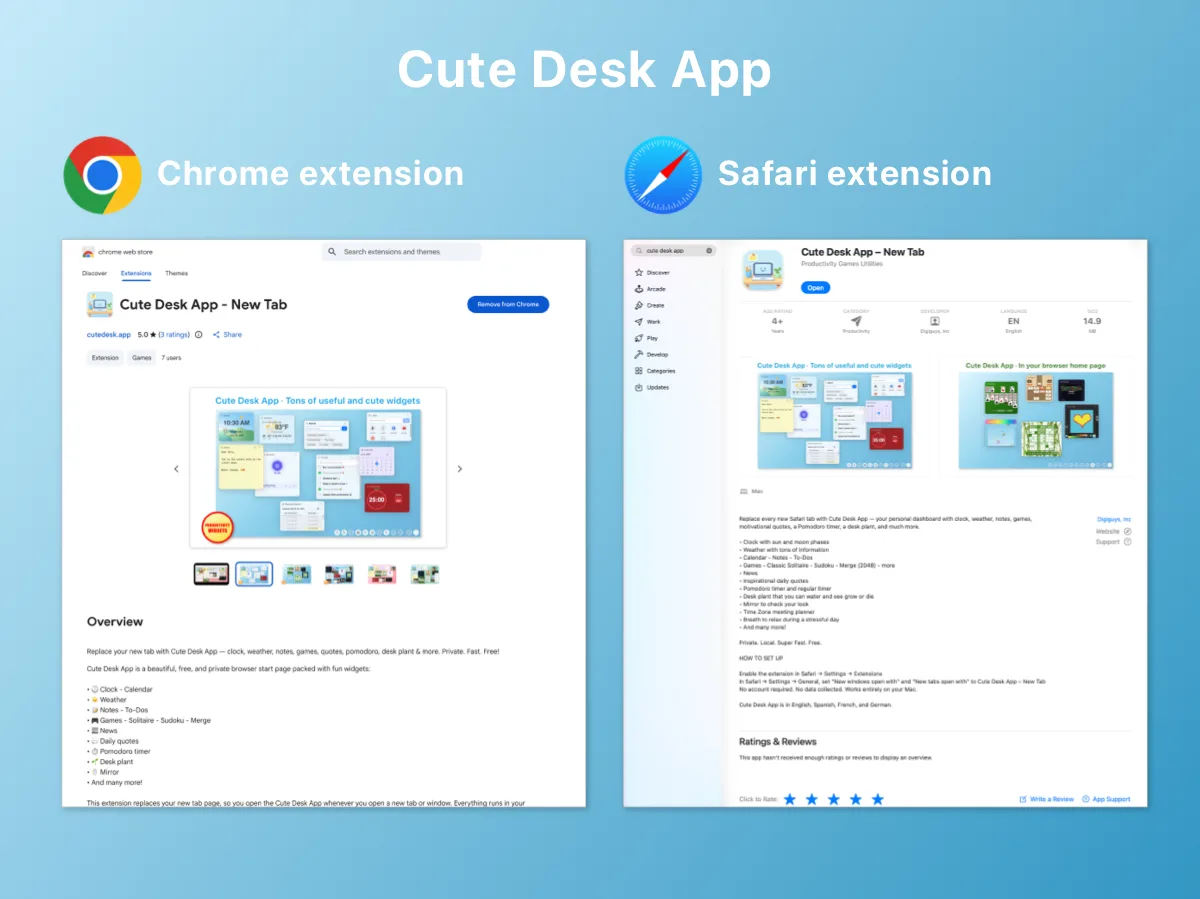
- Cute Desk App is a free browser start page with 32 widgets, no account and no ads. It works in Safari and Chrome on every new browser tab.
- Nothing about the app changed for this post. The custom color has been there all along. I just happen to like the same colors Apple picked.
Apple just introduced the MacBook Neo, and it comes in four colors: Blush, Citrus, Indigo and Silver. If you have one on the way, you already know which color you picked, and you probably picked it with care.
Then you open Safari for the first time, press the plus button, and the new browser tab is white. Every time.
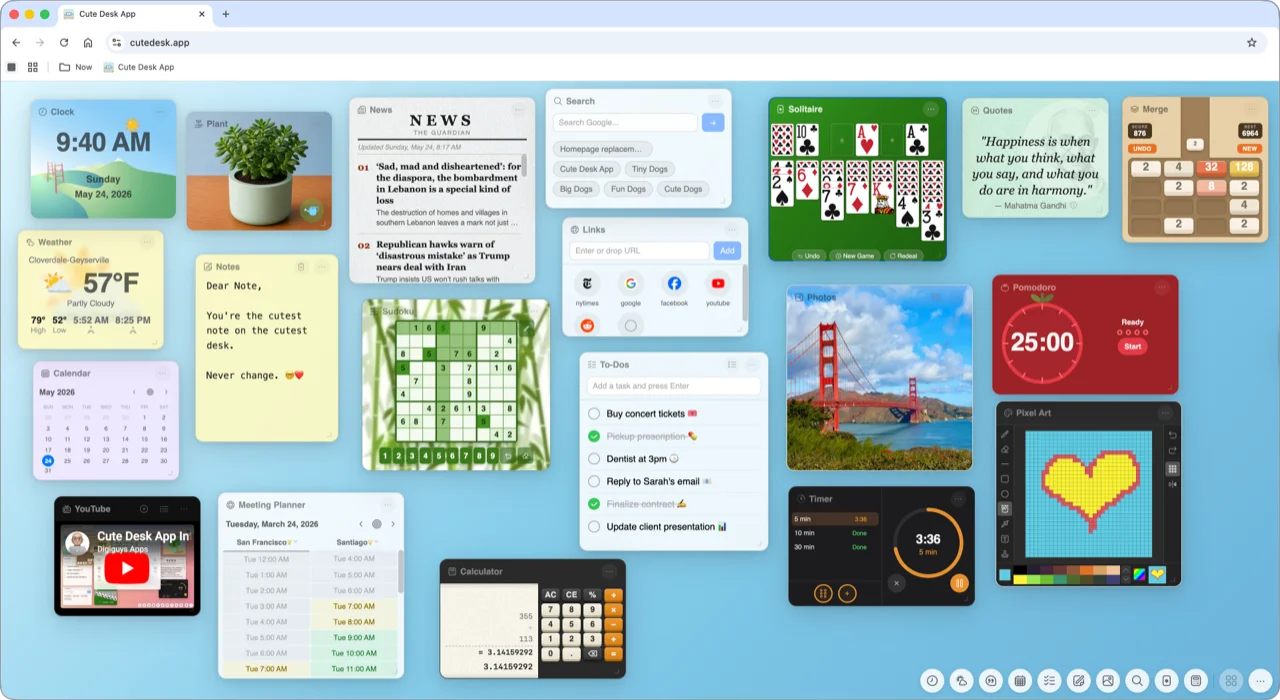
Cute Desk App is my free browser start page: a desk with a clock, a calendar, notes, a spreadsheet, games and 32 widgets in all. The desk can be any color, so I set it to the four MacBook Neo colors and put a different set of widgets on each one. This is what that looks like.
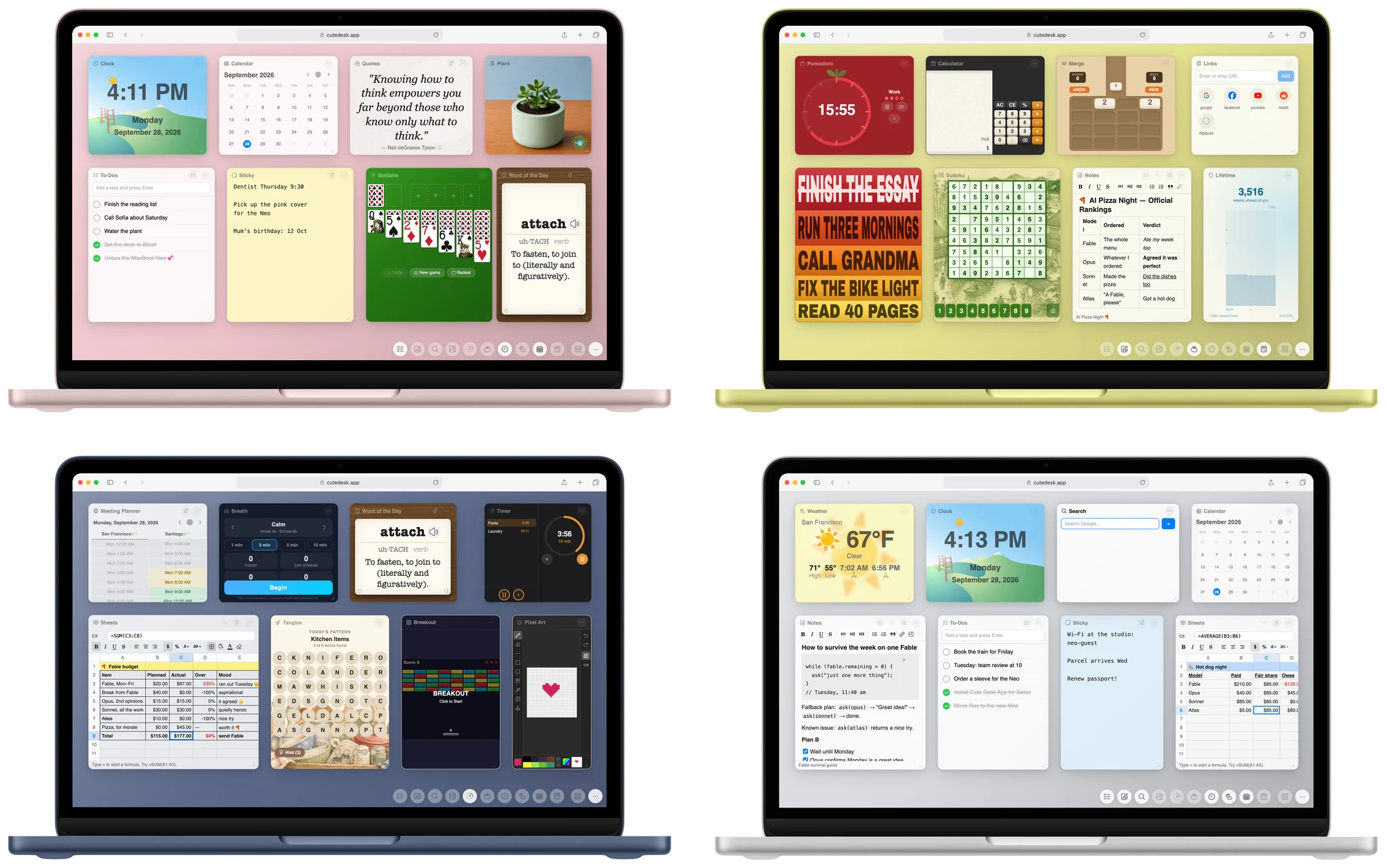
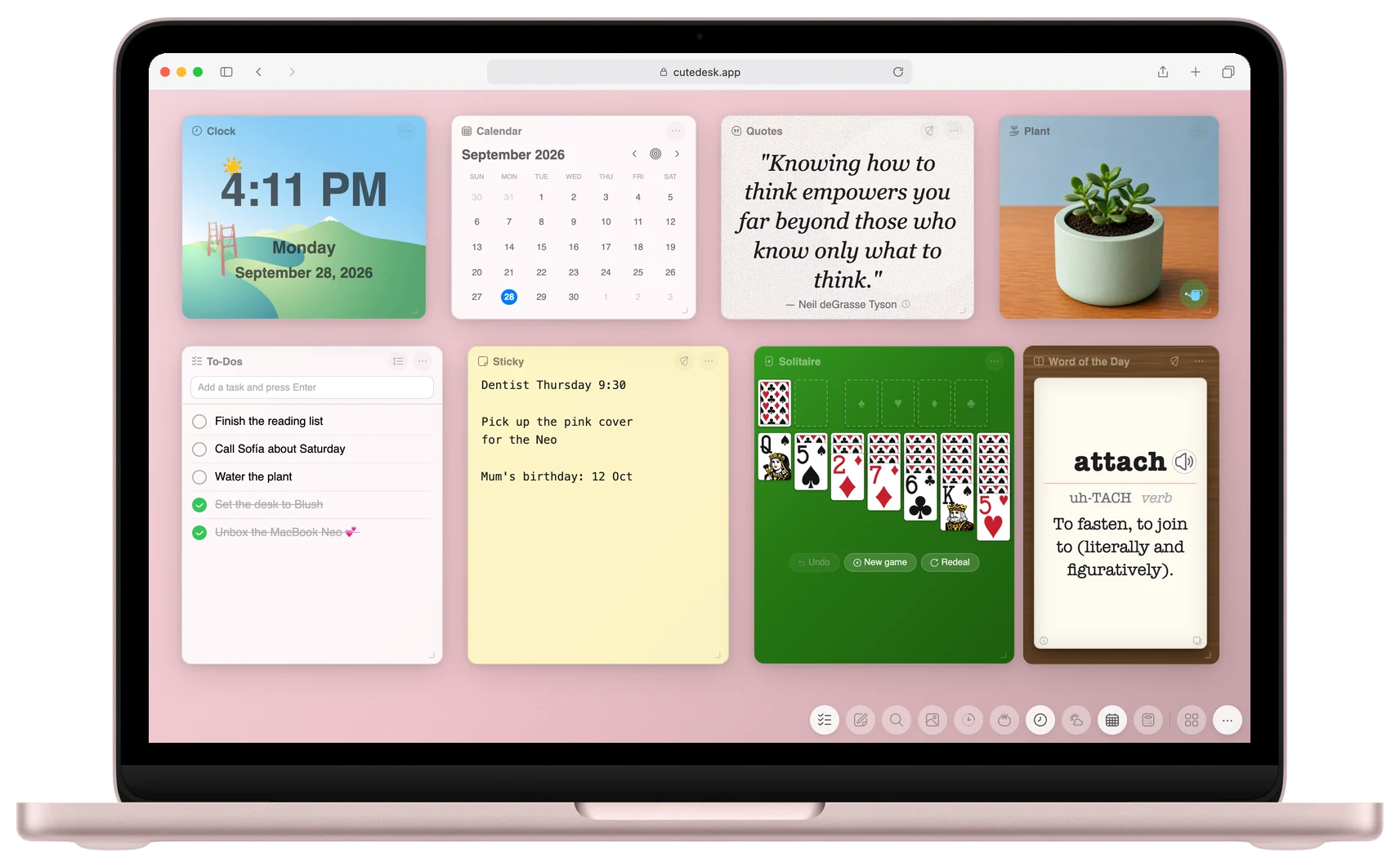
Blush
Blush is the soft pink one, and it is the closest to the way Cute Desk App looks the first time you open it. On this desk I put the Clock widget, the Calendar widget, the Quotes widget and the Plant widget in the top row, with the To-Dos widget, the Sticky widget, the Solitaire widget and the Word of the Day widget below. The sticky note stays yellow, which looks lovely against the pink.
Desk color: #efc4cb
Citrus
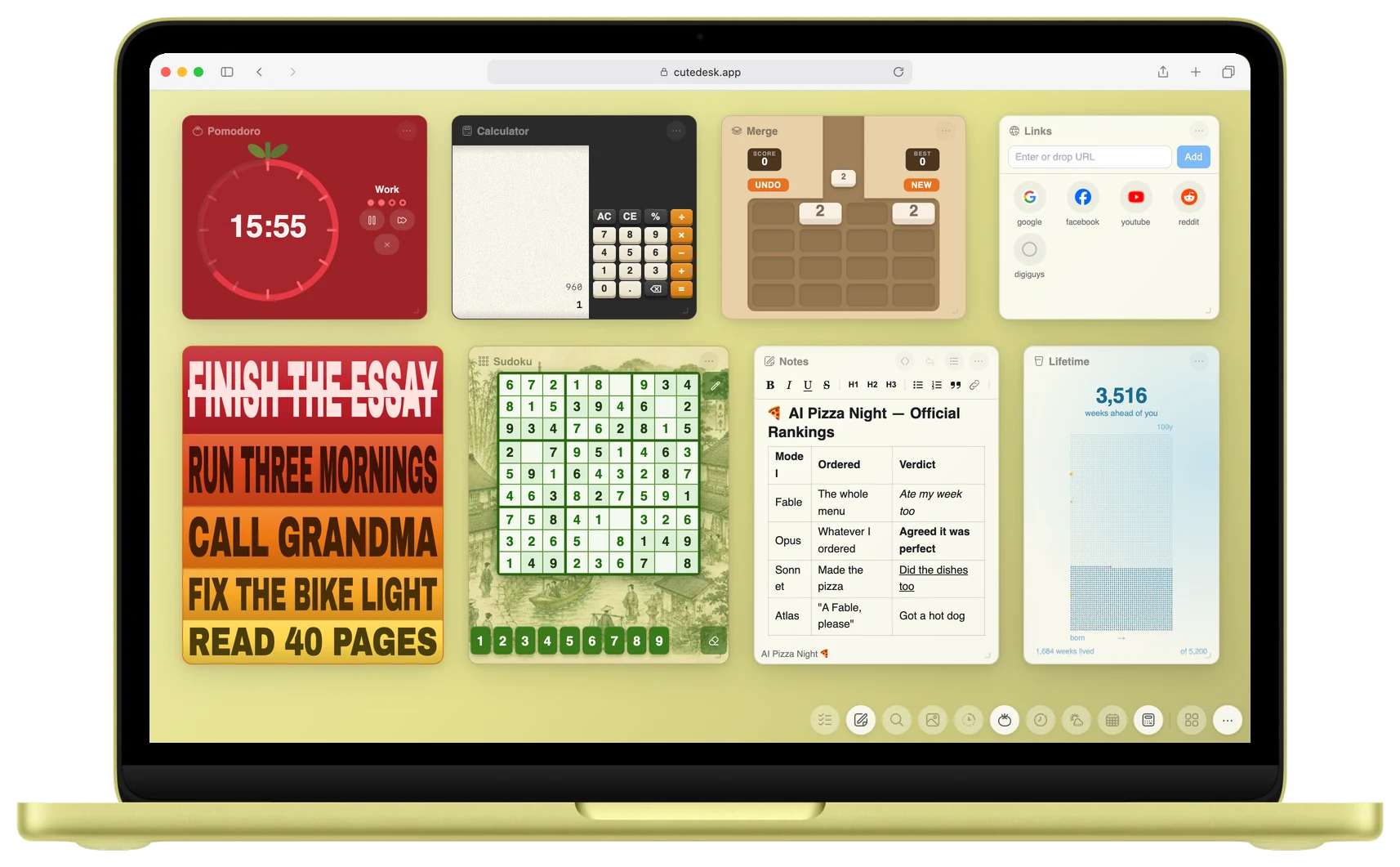
Citrus is the yellow-green one, and it wants to get things done. This desk has the Pomodoro widget running, the Calculator widget, the Merge widget and the Links widget on top, and the Focus widget, the Sudoku widget, the Notes widget and the Lifetime widget below. The Focus widget is on its warm theme, which turns your five goals for the week into a poster in red, orange and yellow.
Desk color: #e5e28f
Indigo
Indigo is the dark blue one, and it changes the app more than the other three. When the desk is dark, Cute Desk App switches the widgets to their dark look on its own, so the whole page matches. On this desk: the Meeting Planner widget, the Breath widget, the Word of the Day widget and the Timer widget on top, and the Sheets widget, the Tangles widget, the Breakout widget and the Pixel Art widget below.
Desk color: #5c6a8c

Silver
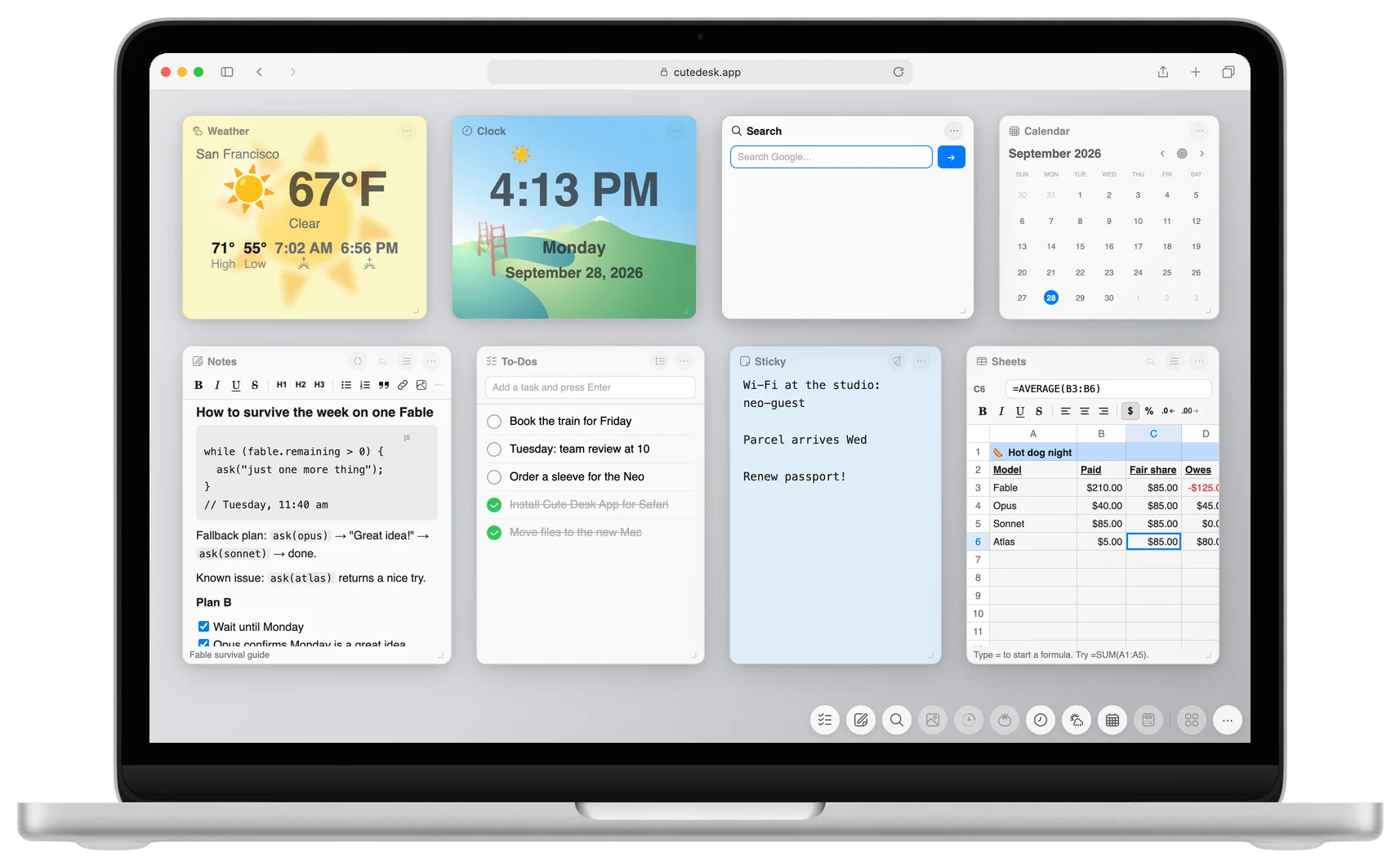
Silver is the quiet one, so I kept the desk quiet too: the Weather widget, the Clock widget, the Search widget and the Calendar widget in the top row, with the Notes widget, the To-Dos widget, the Sticky widget in light blue and the Sheets widget below. On a grey desk the widget colors do the talking.
Desk color: #d8dade
How to set the color
You do not need anything new for this. The custom color has been in Cute Desk App since the beginning. Here is where it is:
- Open Cute Desk App in Safari or Chrome.
- Click the ⋯ button in the bottom right corner of the page.
- In the row of color circles, click the last circle. That is the custom color.
- Type the color code into the text box, for example
#efc4cbfor Blush. - Choose Flat for one solid color or Gradient for a gentle shade from light to dark, then click Apply.
The four codes again, in one place:
| MacBook Neo color | Desk color code |
|---|---|
| Blush | #efc4cb |
| Citrus | #e5e28f |
| Indigo | #5c6a8c |
| Silver | #d8dade |
These are my picks, made by eye next to Apple's pictures. If yours looks a little different in daylight, move the color picker until it matches the lid in front of you. That is the whole point of a custom color.
Make it your new browser tab
The color is saved in your browser, so the desk stays the way you left it. To have Cute Desk App open in every new browser tab, install the free extension. On a MacBook Neo that means the Safari extension from the App Store, or the Chrome extension from the Chrome Web Store if Chrome is your browser.
 Get the Safari Extension
 Get the Chrome Extension
Everything is free, there is no account, and nothing leaves your browser. If you enjoy it, you can donate to help me keep it that way.
Enjoy the new Mac. And send me a picture of your desk through the Help page. I would love to see which color you chose.
 Aldo
Aldo
MacBook Neo, Safari and macOS are trademarks of Apple Inc. Cute Desk App is made by me, not by Apple, and Apple has not endorsed it. The pictures show Cute Desk App running in Safari on the four MacBook Neo colors.