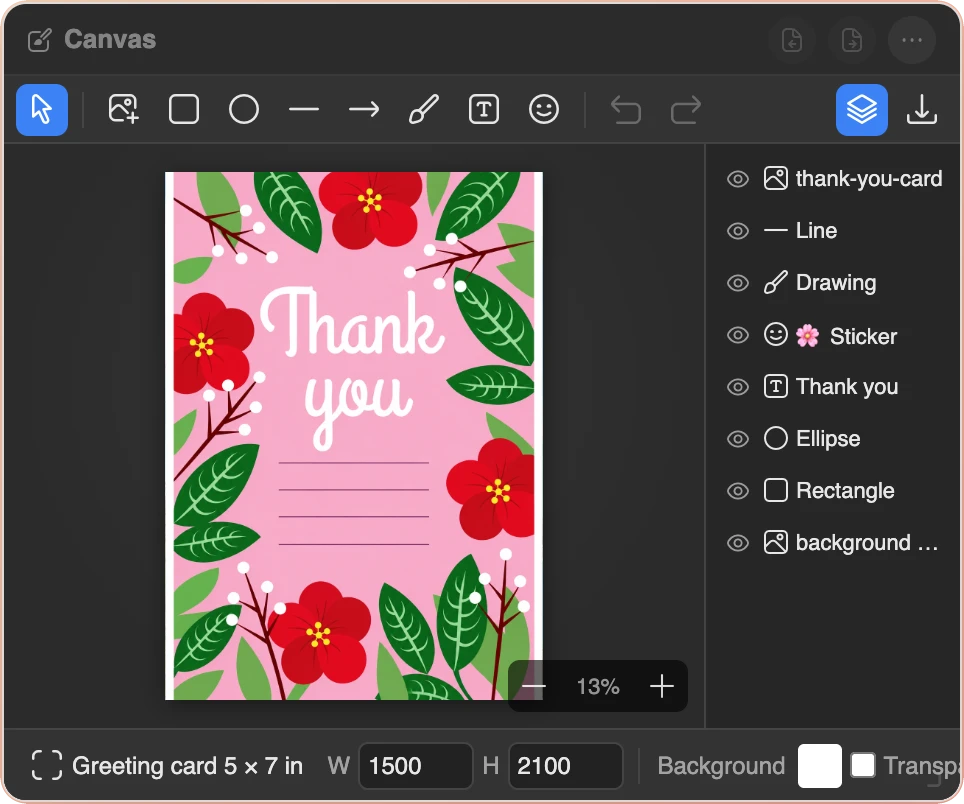
- Sizes named for what they are for: square and portrait posts, stories and Reels, Pinterest pins, 16:9 video, YouTube thumbnails, link preview images, profile pictures, X, LinkedIn and Facebook covers, Letter and A4 pages, postcards, greeting and business cards, tri-fold brochures, or any custom size
- Colour or transparent background, and an image can become the canvas at its own size
- Add images by file, drag and drop or paste; add text, rectangles, ellipses, lines, arrows and emoji stickers
- Move, resize, rotate, flip and hide layers; drag rows in the layers panel to reorder; snap to the centre and edges
- Photo adjustments: brightness, contrast, saturation, blur, grayscale, sepia, plus Warm, Cool, B&W and Vintage presets
- Crop with a frame, rounded-corner and circle masks, borders and shadows on images, outlines and shadows on text and shapes
- Brush and eraser for drawing on top, undo and redo, zoom in, out and fit
- Export PNG or JPEG at 1× or 2×, trimmed to the drawn pixels if you like, copy to the clipboard, or send to the Photo widget
- Up to eight canvases, switched from the title bar; auto-saves as you work, syncs across tabs, and everything stays in your browser