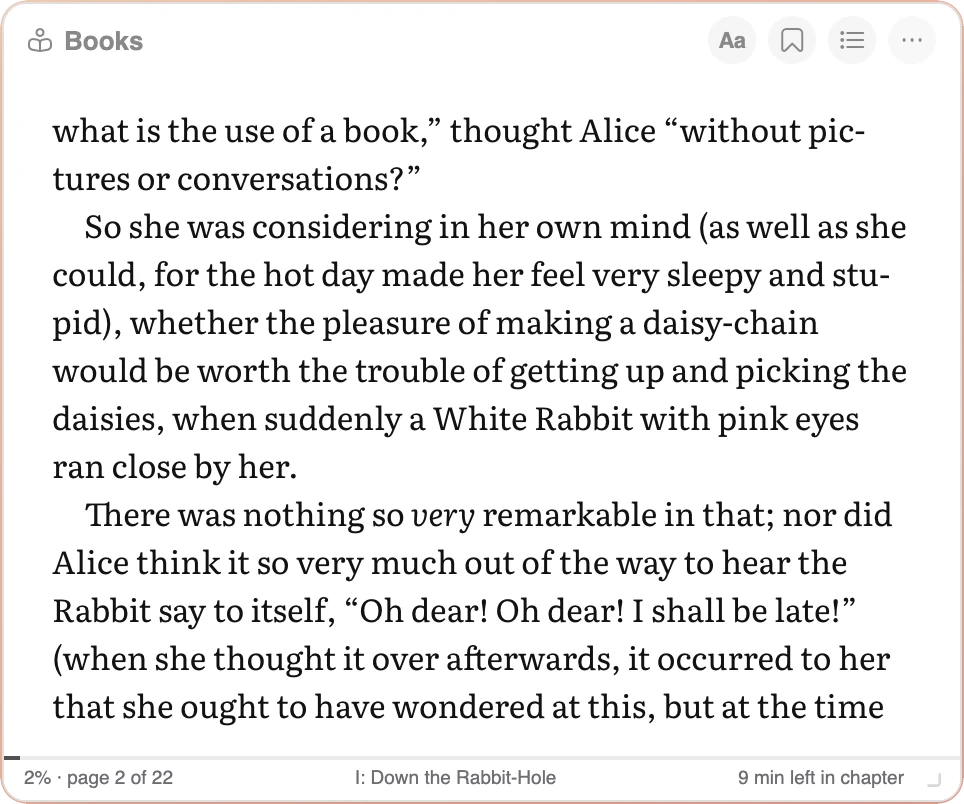
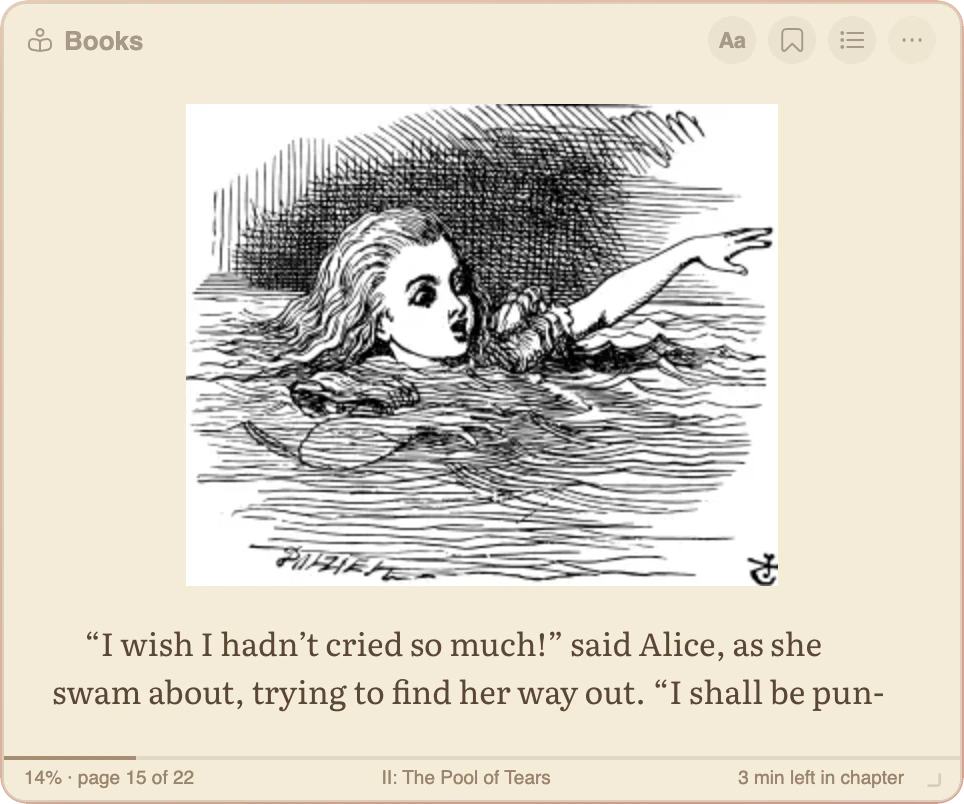
- Reads your own DRM-free EPUB books, versions 2 and 3, with their pictures and table of contents
- Kindle-style pages: a tap, the arrow keys, the mouse wheel or a swipe turns exactly one page
- Make the window bigger to see more text; the text size stays the size you chose
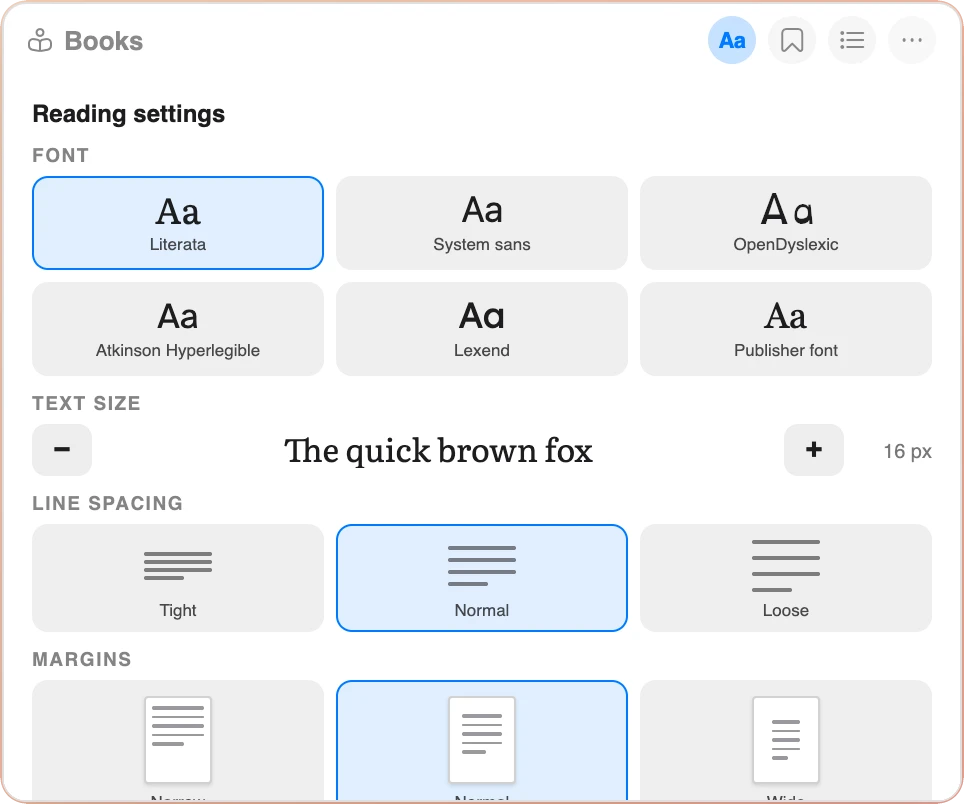
- Six fonts including OpenDyslexic, Atkinson Hyperlegible and Lexend, plus text size, line spacing and margins
- White, sepia, green, dark and black backgrounds
- Read aloud with a small player: choose the voice and the speed, and follow the highlighted word
- Fast reading: the first letters of every word in bold to guide your eyes
- Bookmarks, time left in the chapter and a reading log with your daily streak
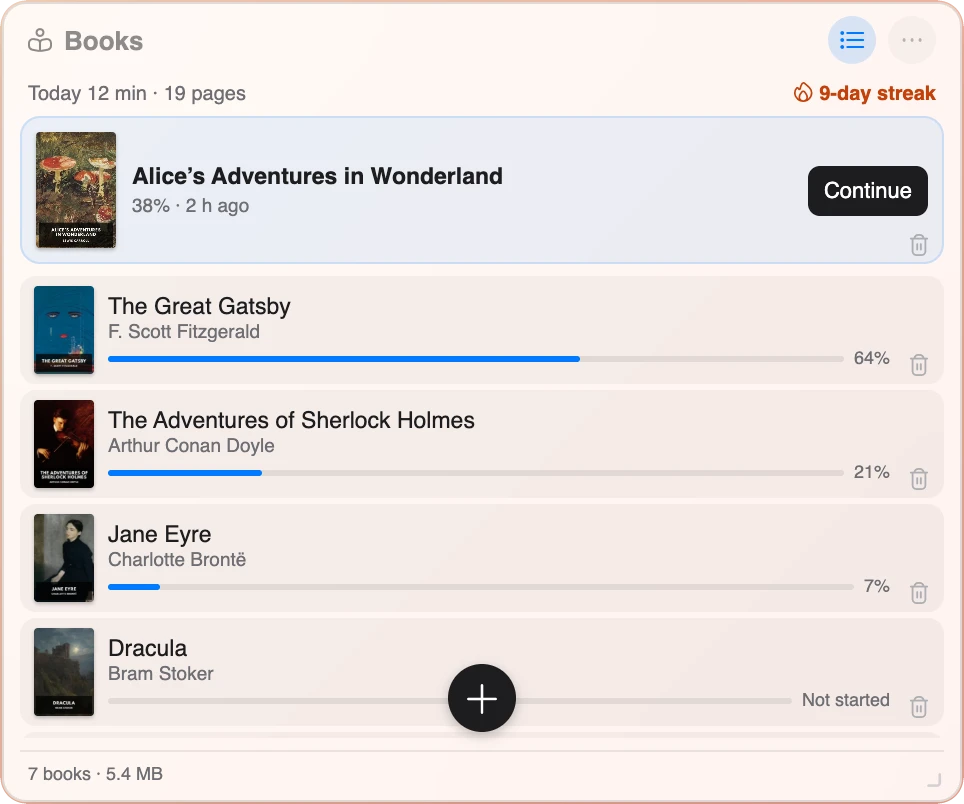
- A library of up to 40 books, with the one you opened last at the top
- Links to free libraries: Project Gutenberg, Standard Ebooks, Global Grey and Wikisource
- Your books stay in your browser; nothing is uploaded
Made for Reading a Few Pages at a Time
I built the Books widget for the minutes between two tasks: open a new browser tab, read a page or two, and carry on with your day.
Real Pages, Like an E-Reader
Books are shown one page at a time, never as a long scrolling web page. Tap the right side of the page, press the arrow keys, turn the mouse wheel or swipe on the trackpad, and exactly one page turns. Choose a slide, a fade or no animation. The widget opens on the exact page where you stopped, even after you resize it or change the font.
Bigger Window, More Text
The Books widget starts at a small square size, like the Photo widget. Drag the corner to make it bigger and you see more text on each page; the letters stay the size you chose. Text size is a setting of its own, from 12 to 32 pixels.
Fonts That Help You Read
The Aa button opens Reading settings. Literata is a serif font made for reading on screens. OpenDyslexic is designed for readers with dyslexia, Atkinson Hyperlegible for readers with low vision, and Lexend for easier reading. You can also use your computer's own sans-serif font or the font that came with the book. Line spacing and margins each have three choices, shown as small pictures.
Five Backgrounds
White, sepia, green, dark and black. The background colours the whole widget, title bar and pop-ups included, so a dark background is comfortable to read at night.
Read Aloud
Choose Read aloud in the menu and the book is read to you by your browser's own voices. A small player floats over the page with play, pause and speed, and the page turns by itself when the voice reaches the next page. Each word is highlighted as it is spoken. The widget picks the best voice it can find, and you can choose another one for each language.
Fast Reading
Turn on Fast reading in Reading settings and the first letters of every word are shown in bold. Your eyes jump from word to word more easily, and many people find they read a little faster.
Little Bits Add Up
The top of the library shows today's minutes and pages and your daily reading streak. Reading stats show the last seven days, your total minutes, pages and words, your best streak and the hour of the day when you read most. When you come back after a break, a short message tells you how many minutes are left in the chapter.
Bookmarks and Contents
The bookmark button in the title bar marks the page you are on. The chapter name at the bottom of the page opens the table of contents and your bookmarks, so you can jump to any chapter in one click.
Where to Find Free Books
Thousands of classic books are free and legal to download. The library links to Project Gutenberg, Standard Ebooks, Global Grey and Wikisource. Download an EPUB file, then drop it on the widget or press the plus button. A free sample, Alice's Adventures in Wonderland with John Tenniel's illustrations, is included.
Private by Design
Your books are stored in your browser on your own computer and never uploaded. A book can never load anything from the internet while you read it. Books with DRM protection cannot be opened; the Books widget reads DRM-free EPUB files only.